Guides and news
for better streams.
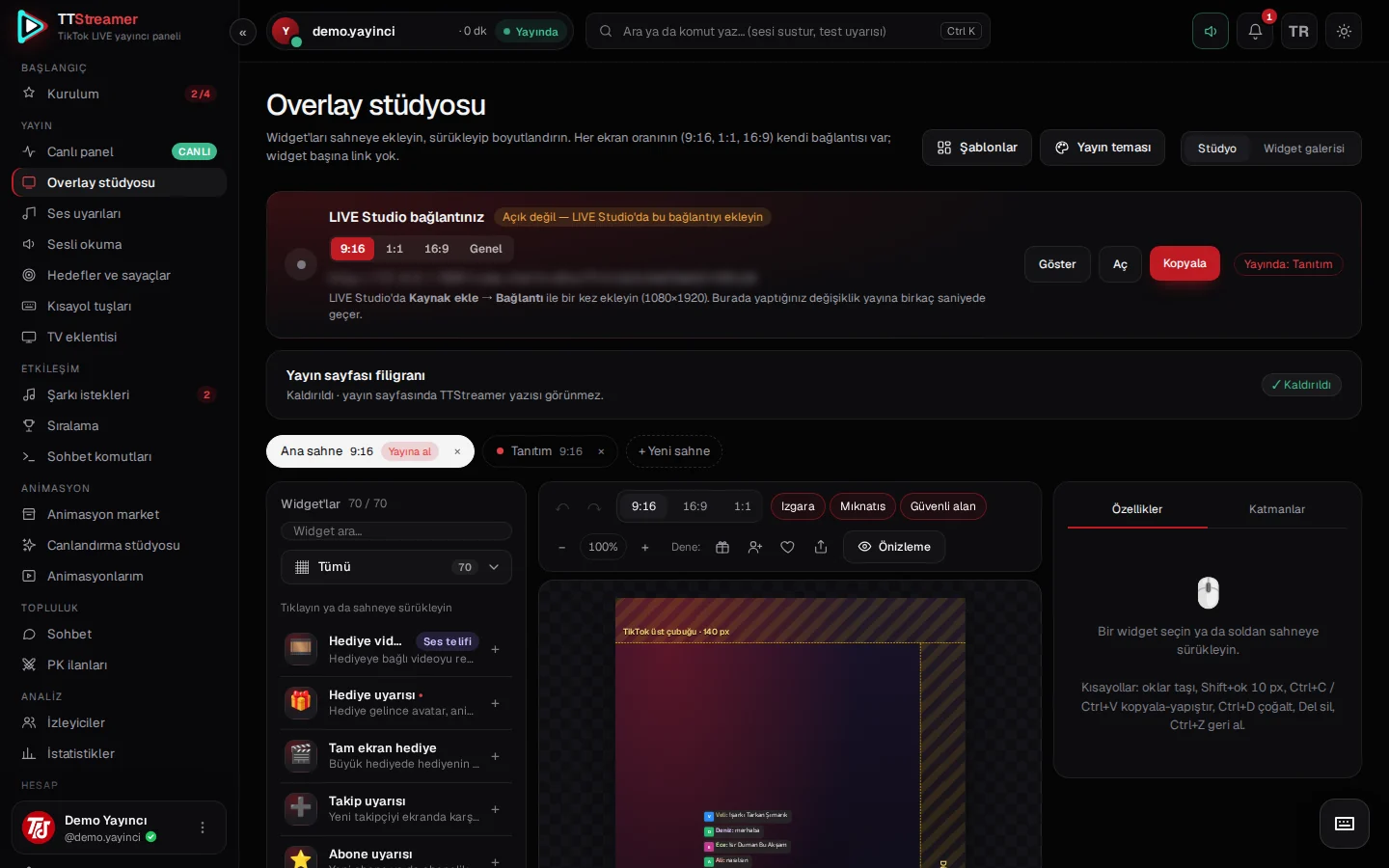

The Live cockpit: your whole stream on one screen
The Live cockpit gathers stream time, viewers, the thank-you queue, the event feed, the preview and the control center on one screen.
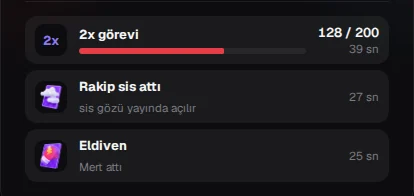
Never miss a 2x/3x task, mist or glove during PK
How the bonus task, mist and glove cards appear in the PK layout, and which widgets show them on stream. A step-by-step guide.
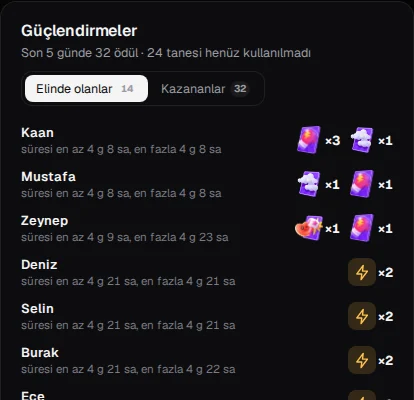
PK power-ups: who won them, who holds them?
The Power-ups card lists in one place the gloves, mist, hammers and other power-ups your viewers have won and are still holding.
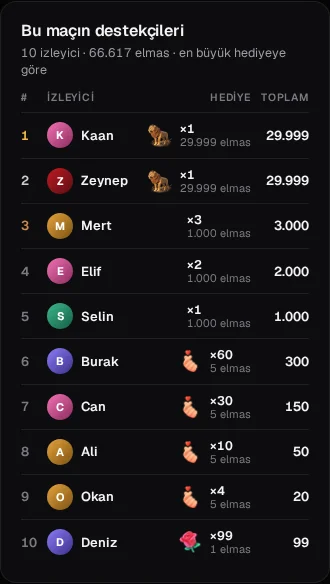
Thank your PK supporters without missing anyone
The match supporters list shows who sent what; one tap sends a thank-you that is read aloud on stream with text-to-speech.
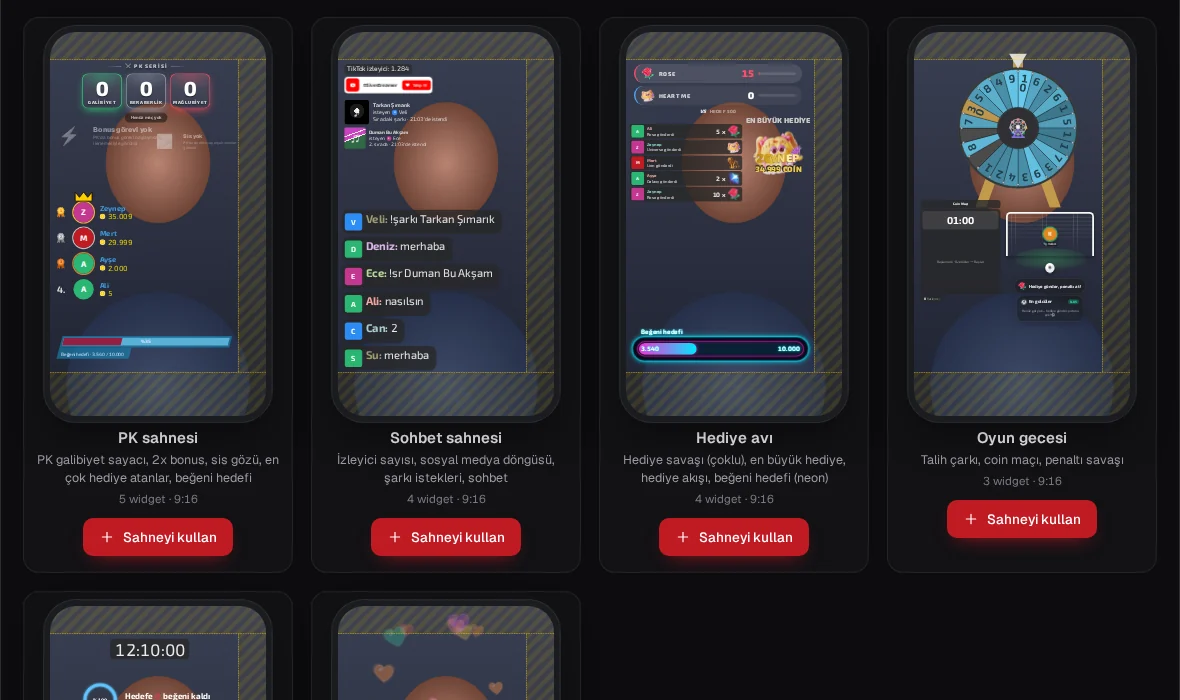
Ready scene templates in the Overlay studio: six scenes, one click
Ready scenes for PK, chat, gift hunts, game nights, subathons and celebrations. What each one contains and how to add and edit it.
Text-to-speech settings: who is read, what is skipped, who goes first?
Have your chat read aloud on stream, and tune it with filters, a profanity list, gift priority, speed and queue settings.
Num-pad keys instead of a Stream Deck: a hotkey panel on your keyboard
Assign actions such as playing sounds, switching scenes, read aloud and counters to your number keys; no extra device needed.
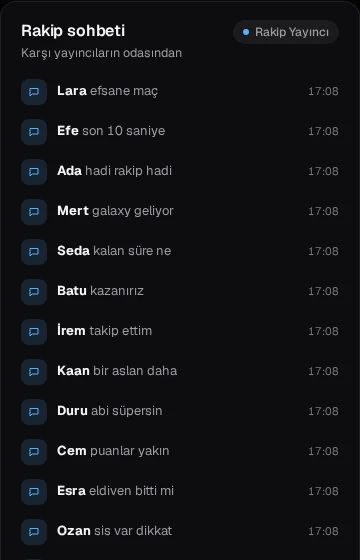
Read your rival's chat during PK: see the other side of the match
Opponent chat shows the chat of the other rooms in a PK as one read-only list, and closes by itself after the match.

Connect to your agency with an agency code
If your agency uses TTLiveAgent, connect with a code starting with TTLS; performance, goals and announcements appear on My agency.
No articles match this search.